
Tutorials
Learn the basics of QGIS, PostGIS, and Geoserver with our growing list of free tutorials
Filters
-
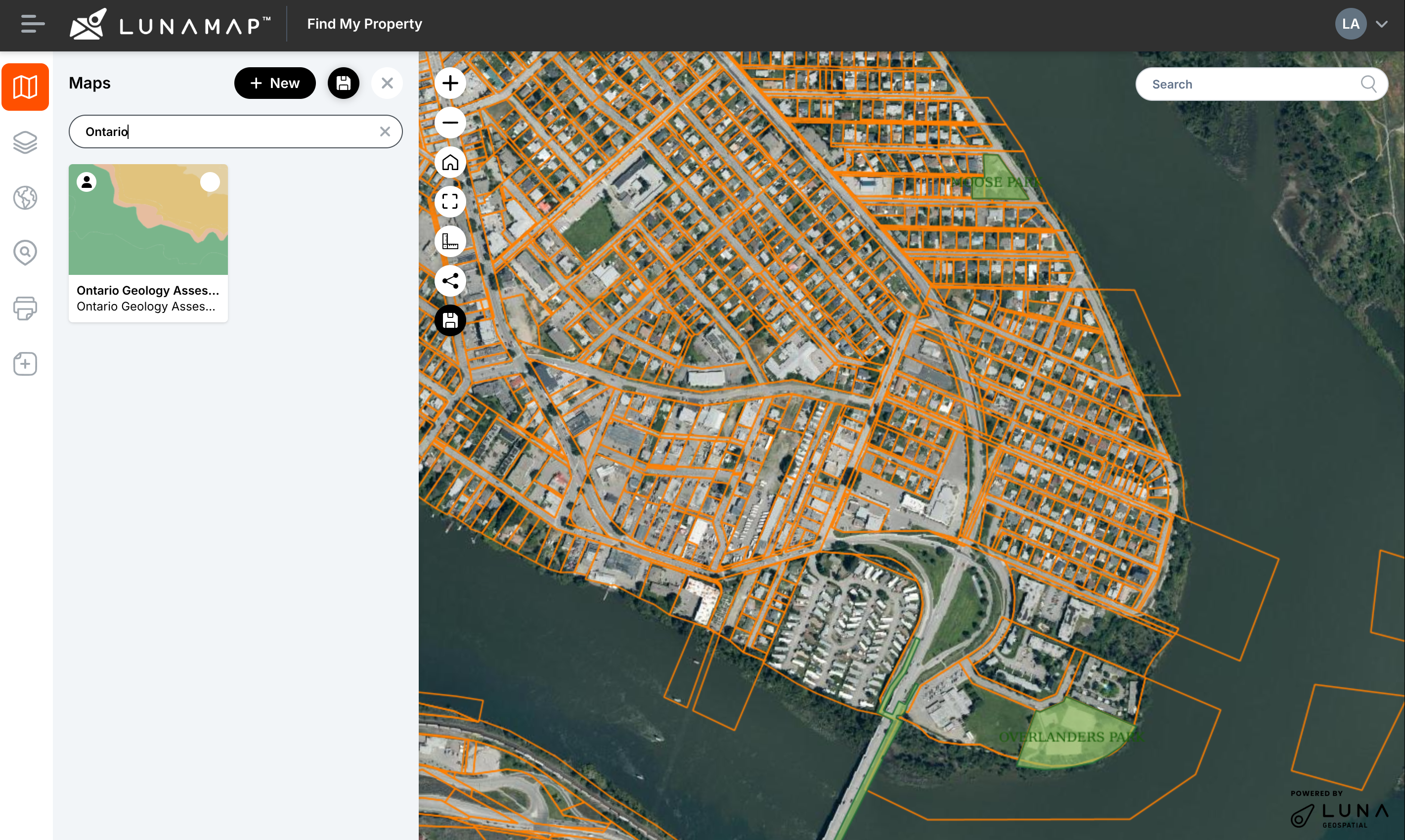
Search for Maps in LunaMap
LunaMap
This tutorial explains how to search for maps in LunaMap, helping users quickly find maps within their workspace. If your workspace has a large number of maps, you can locate a map using the “Search maps” box on the Maps panel. This tool filters maps based on a search term.
-
Publish Rasters with Geoserver
Geoserver
This tutorial explains how to publish rasters in Geoserver, from upload to preview. See our other tutorials to learn how to optimize and style rasters for Geoserver. Introduction Before publishing rasters with Geoserver, the optimized data must be transferred to the server on which Geoserver resides. The transfer method will vary depending on the server…
-
Style Rasters in Geoserver
Geoserver, QGIS
This tutorial explains how to style a rasters in Geoserver, from exporting an SLD from QGIS to previewing the styled raster in Geoserver. Introduction Most single and multi-band rasters, such RGB imagery, will visualize as they should in Geoserver without further styling required. However, for rasters that are styled with palette/unique values or specific colour…
-
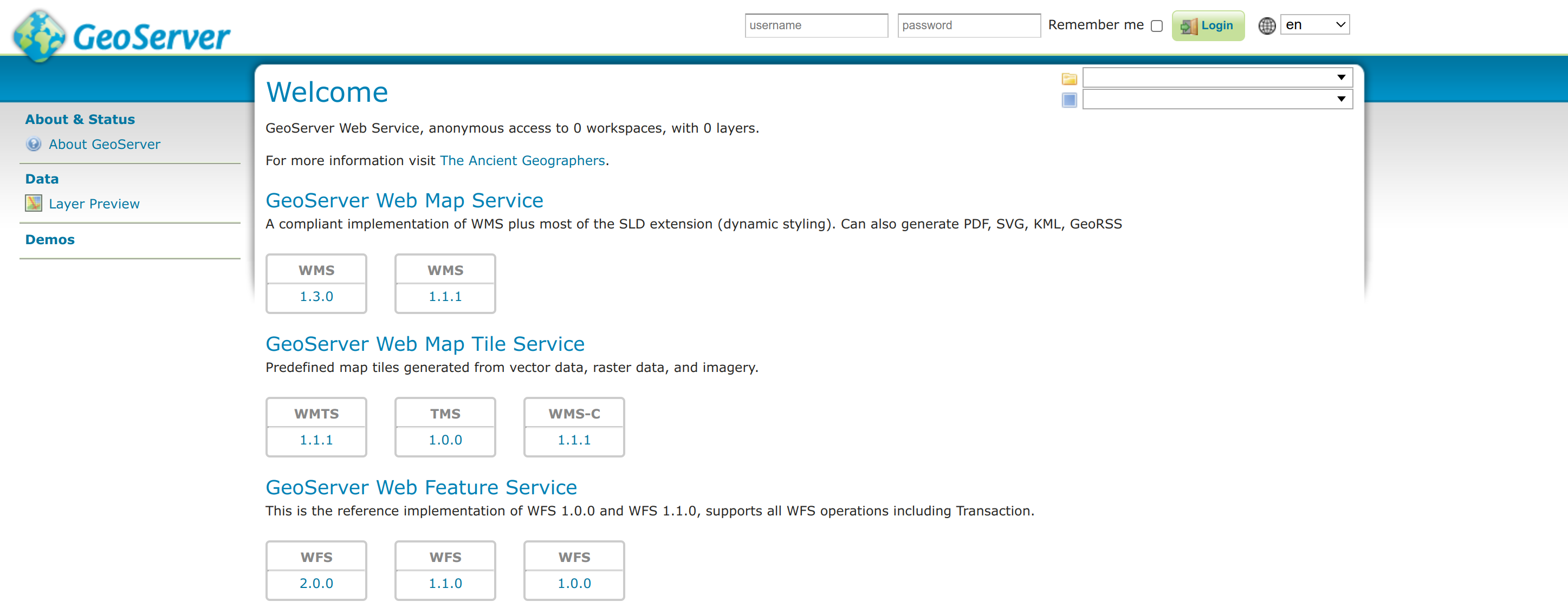
Connect to Geoserver WMS and WFS in QGIS
Geoserver, QGIS
This tutorial explains how to connect to Geoserver in QGIS, namely WMS and WFS service endpoints. 1. Geoserver Service Endpoints By default, Geoserver supports a number of different service endpoints and versions of them. The list of available services can be found on the Geoserver landing page. To get an endpoint URL, simply right-click on…
-
Security and Permissions in Geoserver
Geoserver
This tutorial provides a brief introduction to security and permissions in Geoserver. For more in-depth discussion, consult the Geoserver official documentation here. 1. Users, roles, and groups in Geoserver Geoserver has a granular, role-based permission system to secure workspaces, data, and services. Users, roles, and groups are defined as follows: IMPORTANT: Setting up users, roles, and…
-
LunaMap User Roles and Permissions
LunaMap
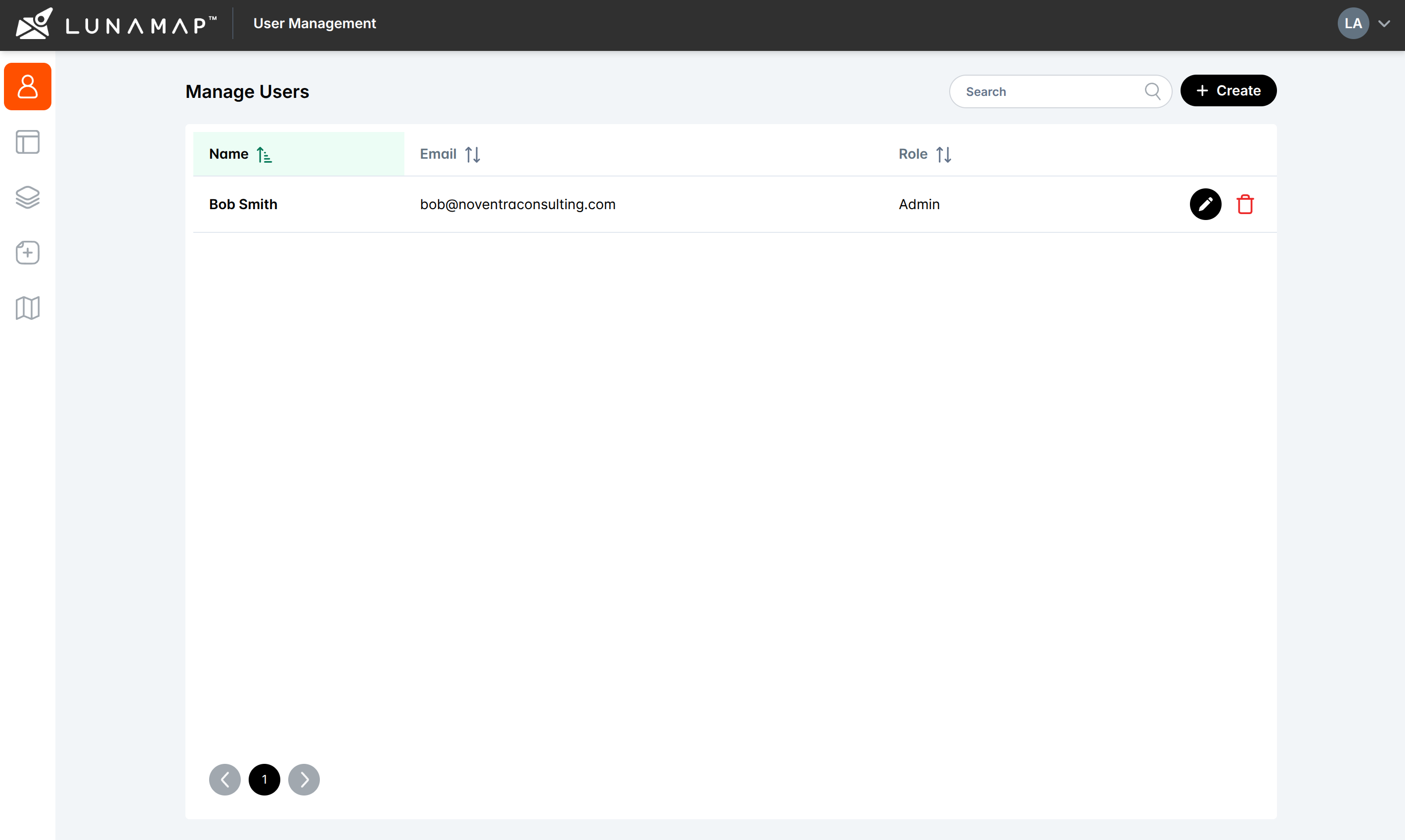
Understanding LunaMap user roles and permissions is essential to effectively use the application. LunaMap organizes users into four distinct roles, each with specific permissions and capabilities, namely (1) Administrators, (2) Standard Users, (3) Viewers, and (4) Public Users. The following sections provide a detailed explanation of the permissions and capabilities associated with each role. Administrator…
-
Create a LunaMap Workspace
LunaMap
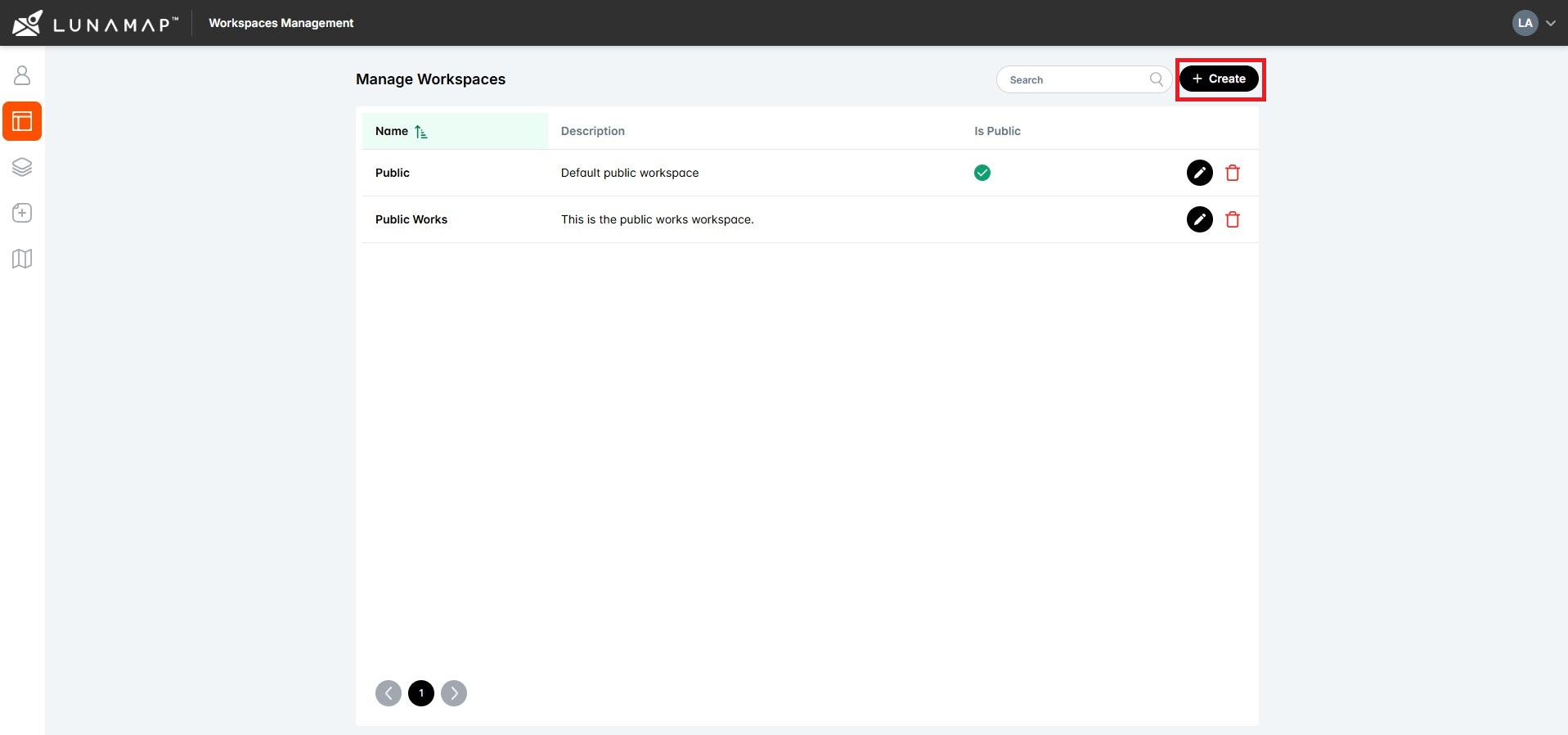
Overview This tutorial explains how to create a LunaMap Workspace. Workspaces are the top level of organization within LunaMap such that layers are published to one or more workspaces, maps are created within workspaces, and users are assigned to workspaces. Workspaces can also be private and require authentication or public and available to anyone on…
-
Edit a LunaMap Workspace
LunaMap
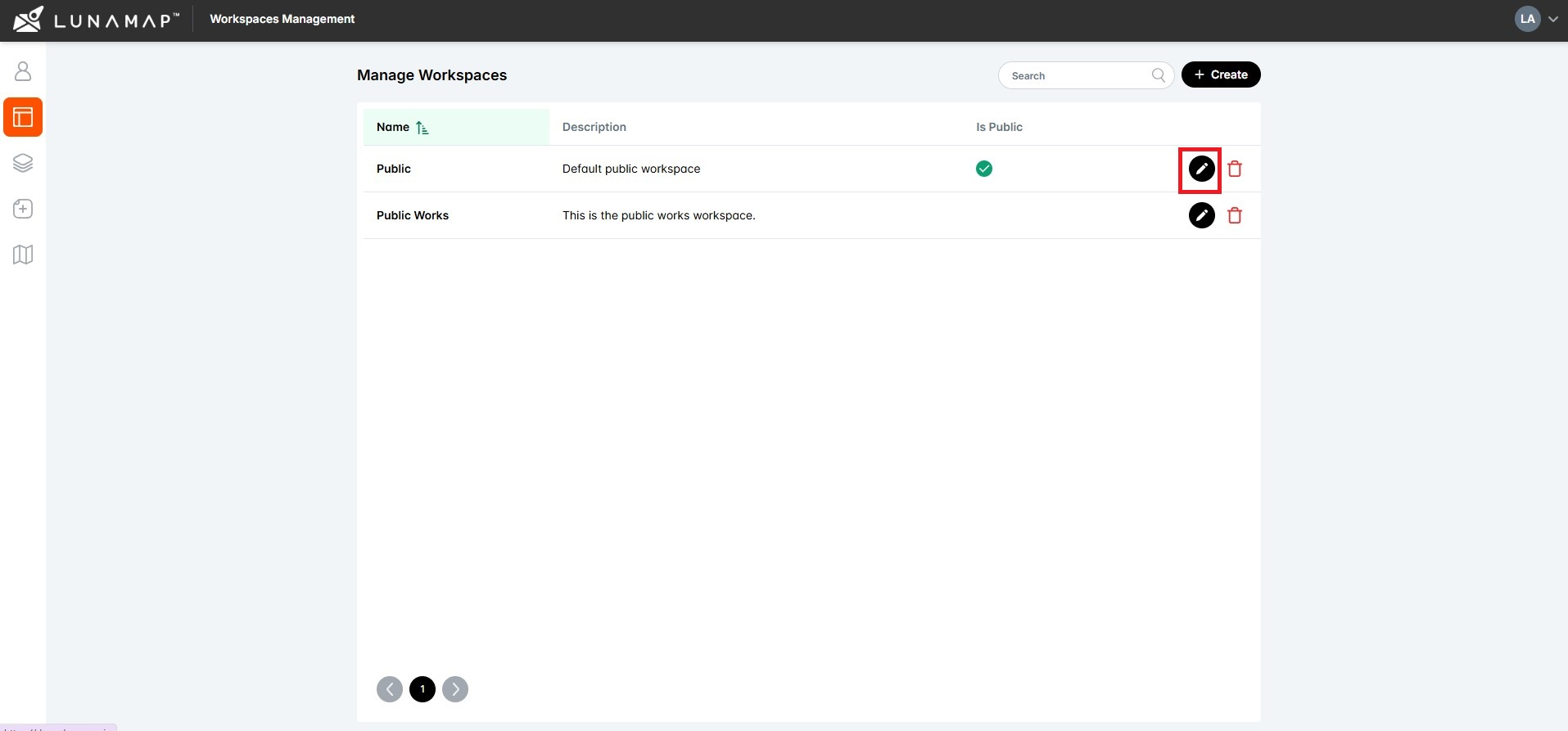
Edit workspace information Add users to the workspace IMPORTANTOnce a user is added to a workspace, they will automatically get access to all maps and layers within it.
-
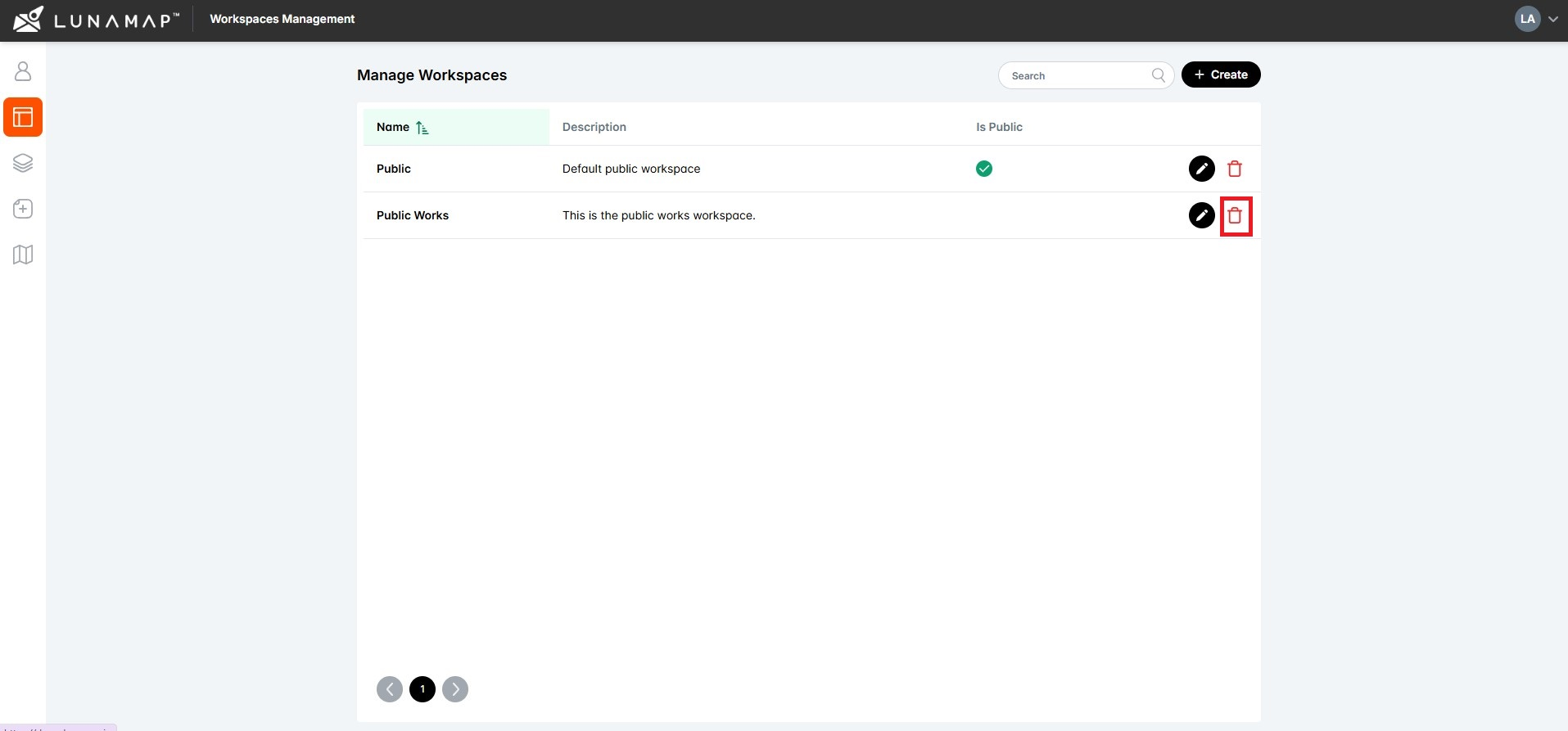
Delete a LunaMap Workspace
LunaMap
This tutorial explains how administrators can permanently delete a LunaMap workspace. Since this action cannot be undone, it is restricted to users with Administrator permissions. IMPORTANT
-

Switch Between LunaMap Workspaces
LunaMap
This tutorial explains how a user can switch between LunaMap workspaces. IMPORTANTIf no maps are yet defined for that workspace, you will see only the base OpenStreetMap layer, and the map section will show no maps.Standard and Viewer users will only see the workspaces to which they have been assigned whereas Administrators will see all…
-

Public vs Private LunaMap Workspaces
LunaMap
This tutorial explains the difference between public vs private LunaMap Workspaces. A LunaMap workspace can be defined as either public or private, depending on access requirements. A public workspace does not require authentication so any online user can access all visible maps and layers. However, public users are read-only so they cannot make modifications to…
-
Create a Map in LunaMap
LunaMap
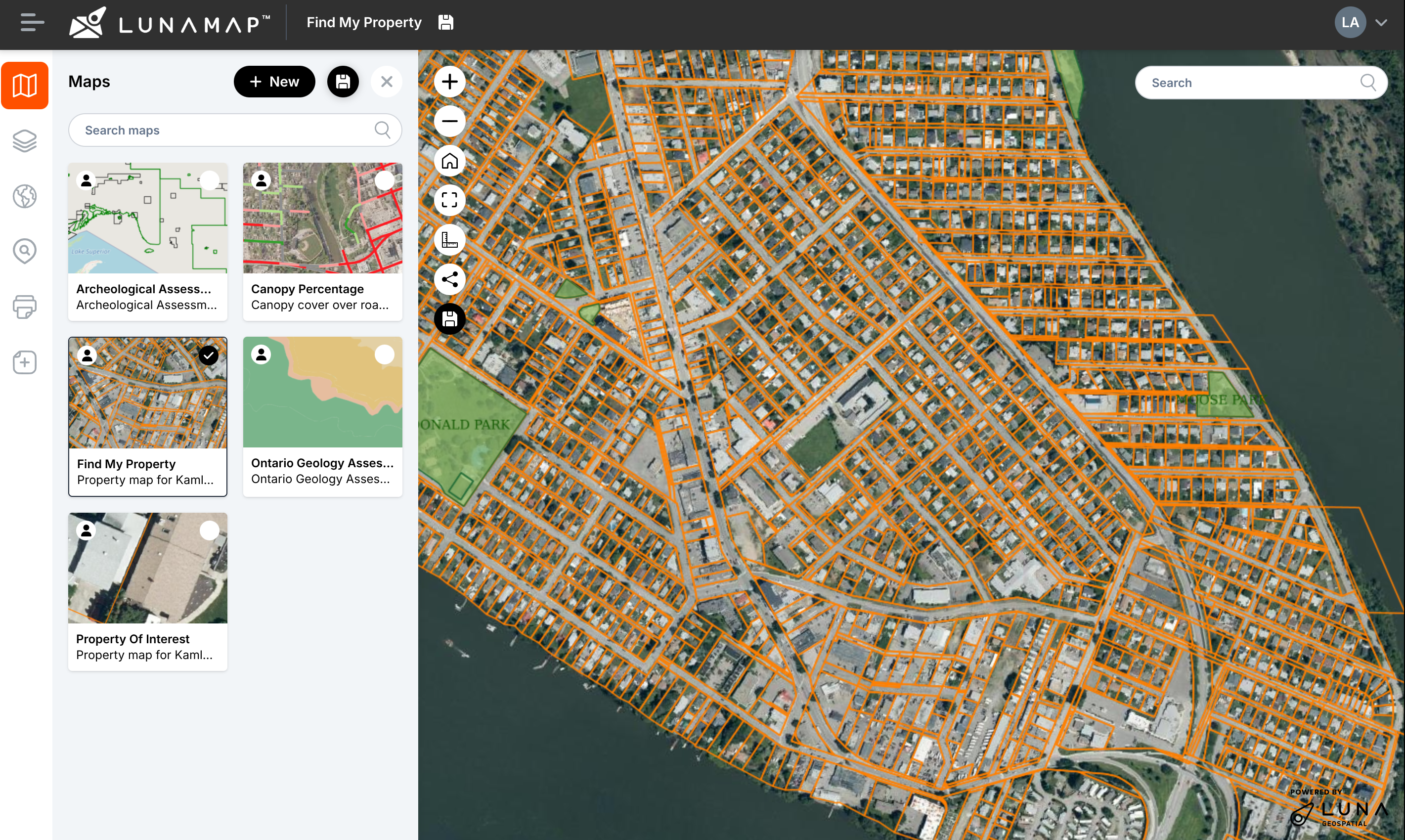
Maps are created and stored within a workspace using raster and vector layers that were published to that same workspace. While a workspace can contain multiple maps, each map belongs exclusively to one workspace, owned by the map creator, and only accessible to users within its workspace. Switching Maps
How can we help?
Contact us today to schedule a free consultation with a member of our consulting team.